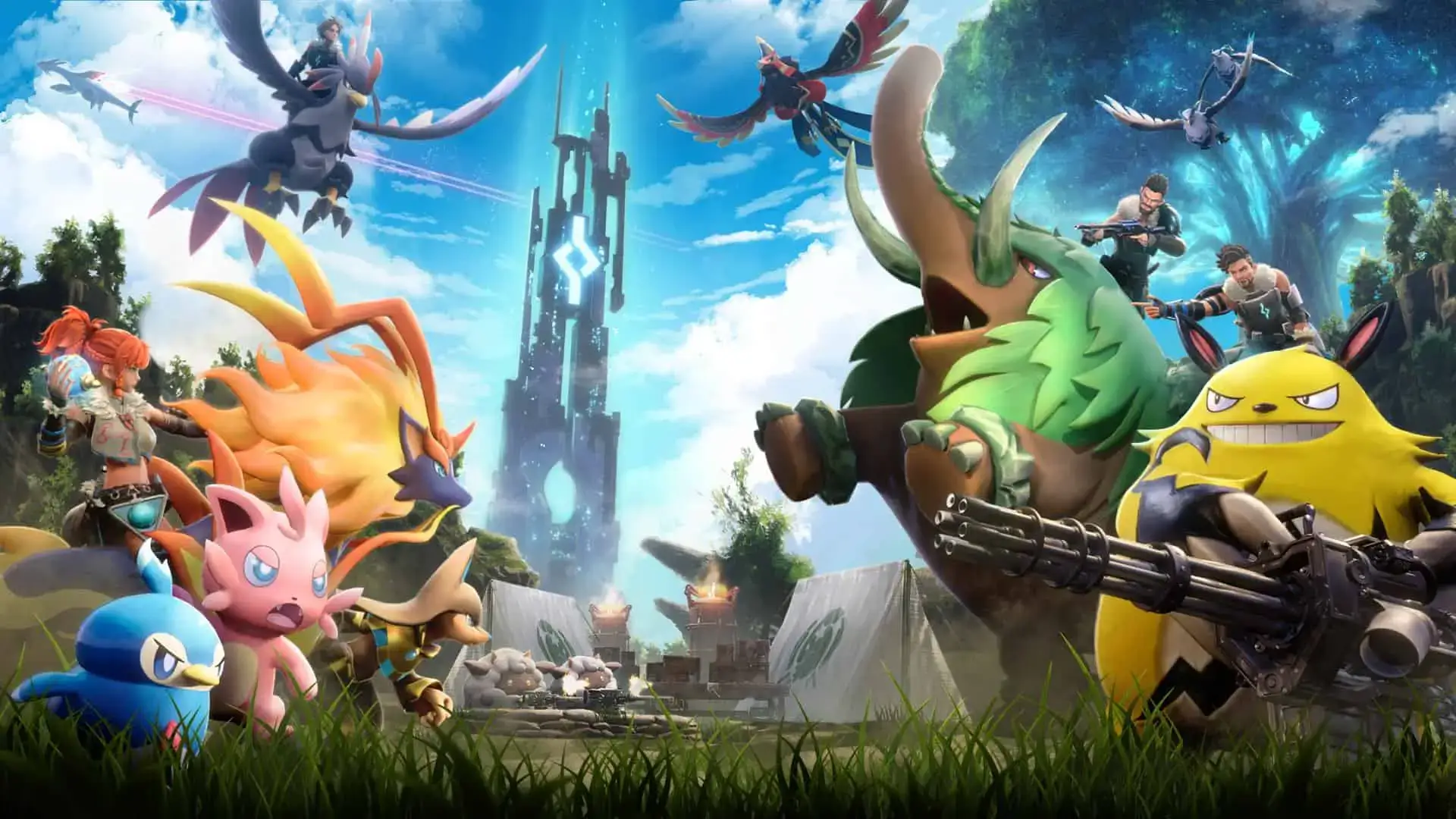
Starting fresh on your Palworld server can be an exciting opportunity to explore new adventures, build different structures, and experience the game from a whole new perspective. You may want to reset your world due to corruption or simply wanting a clean slate.
Resetting Your World
- Access the GhostCap Panel and
Stopyour Palworld server. - Navigate to
Filesin the sidebar. - Go to the directory path:
Pal/Saved/SaveGames/0/. - Delete the folder containing random alphanumeric characters (example:
84B5E2264EC387DEDB43179D666031A1). - Restart your server.
Tip
For a more complete reset that wipes all server files, see our Reset Server guide instead.